Display five different images. Skip two lines between each image. Each image should have a title

<!DOCTYPE html>
<html>
<head>
<title>Five Images</title>
</head>
<body>
<!– Image 1 –>
<img src=”matthew.jpg” title=”Image One”><br><br>
<!– Image 2 –>
<img src=”invoker.jpg” title=”Image Two”><br><br>
<!– Image 3 –>
<img src=”123 2.jpg” title=”Image Three”><br><br>
<!– Image 4 –>
<img src=”d8a9b05744b1ef23a18139e80d8656eced3044ac_full.jpg” title=”Image Four”><br><br>
<!– Image 5 –>
<img src=”download.jpg” title=”Image Five”>
</body>
</html>
Display an image that has a border of size 2, a width of 200, and a height of 200.
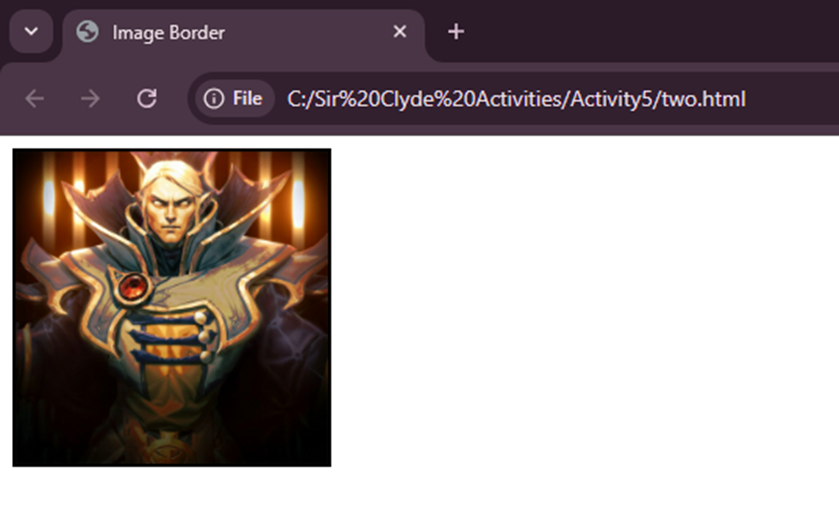
<!DOCTYPE html>
<html>
<head>
<title>Image Border</title>
</head>
<body>
<!– Image with specific size and border –>
<img src=”invoker.jpg”
width=”200″
height=”200″
border=”2″
title=”Bordered Image”>
</body>
</html>
Display an image that when clicked will link to a search engine of your choice (should be opened in a new window).

<!DOCTYPE html>
<html>
<head>
<title>Image Link</title>
</head>
<body>
<!– Clickable image that opens Google in a new tab –>
<a href=”https://www.google.com” target=”_blank”>
<img src=”matthew.jpg” title=”Click to open Google”>
</a>
</body>
</html>
Display an image that when clicked will link to itself and will display the image in the browser by itself.

<!DOCTYPE html>
<html>
<head>
<title>Image to Itself</title>
</head>
<body>
<!– Clicking the image opens the image alone in the browser –>
<a href=”invoker.jpg”>
<img src=”download.jpg” title=”Click to view image alone”>
</a>
</body>
</html>