Create a webpage that prints your name to the screen.
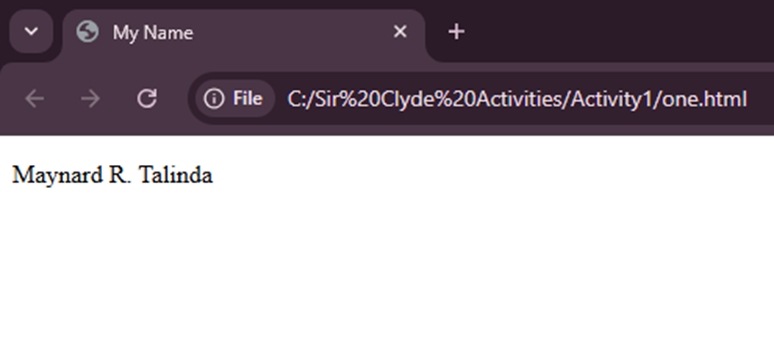
<!DOCTYPE html>
<html>
<head>
<title>My Name</title>
</head>
<body>
<!– Displaying my name on the screen –>
<p>Maynard R. Talinda</p>
</body>
</html>
Create a webpage that prints the numbers 1 – 10 to the screen.
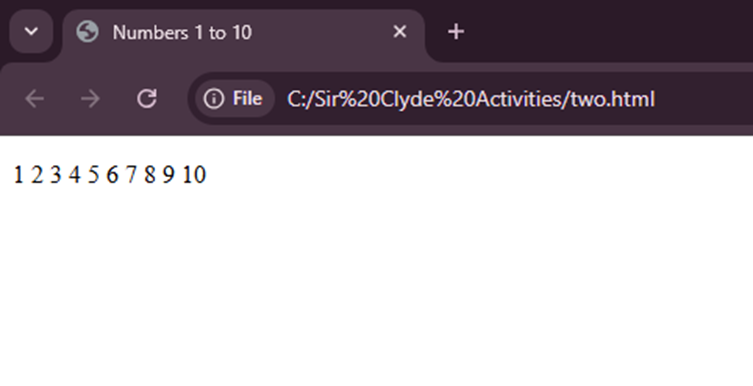
<!DOCTYPE html>
<html>
<head>
<title>Numbers 1 to 10</title>
</head>
<body>
<!– Displaying numbers from 1 to 10 –>
<p>1 2 3 4 5 6 7 8 9 10</p>
</body>
</html>
Create a webpage and set its title to “This is a webpage”.
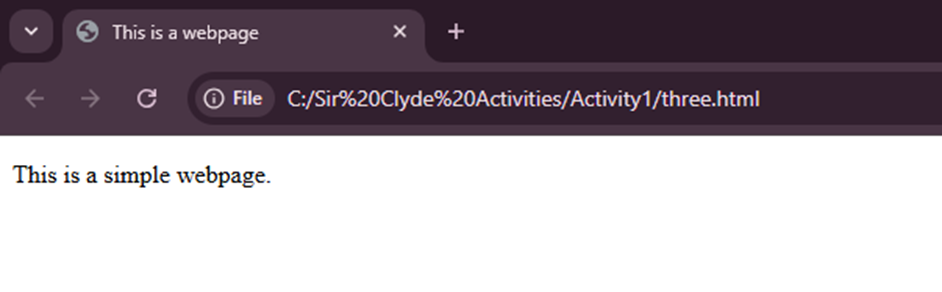
<!DOCTYPE html>
<html>
<head>
<!– Setting the title of the webpage –>
<title>This is a webpage</title>
</head>
<body>
<!– Message shown on the page –>
<p>This is a simple webpage.</p>
</body>
</html>
Create a webpage that prints the message “When was this webpage created? Check page’s title for the answer.” to the screen, and set the title of the page to the current date.
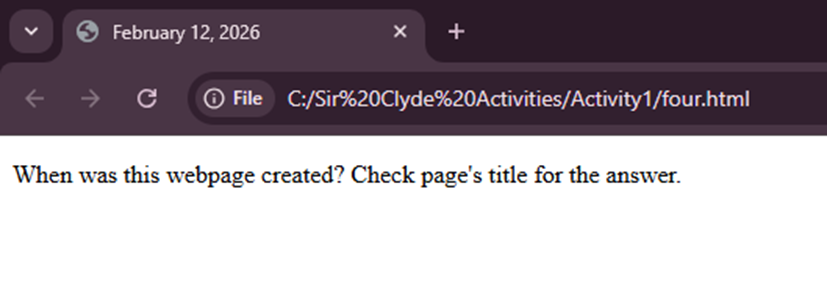
<!DOCTYPE html>
<html>
<head>
<!– Setting the title as today’s date –>
<title>February 12, 2026</title>
</head>
<body>
<!– Displaying the required message –>
<p>When was this webpage created? Check page’s title for the answer.</p>
</body>
</html>
Create a webpage that prints any text of your choosing to the screen, do not include a head section in the code.
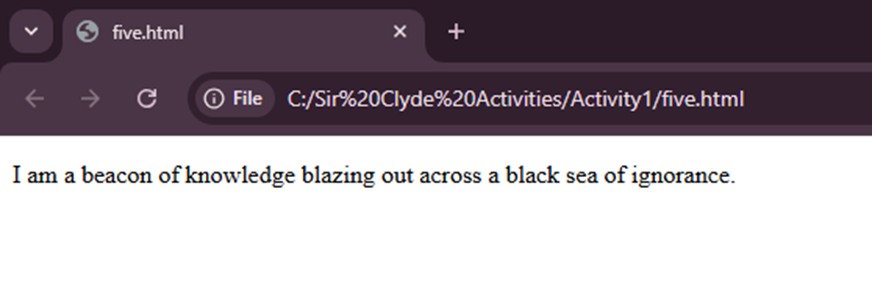
<!DOCTYPE html>
<html>
<body>
<!– Displaying any text –>
<p> I am a beacon of knowledge blazing out across a black sea of ignorance.</p>
</body>
</html>
Repeat exercise #5, but this time include a head section in the code.
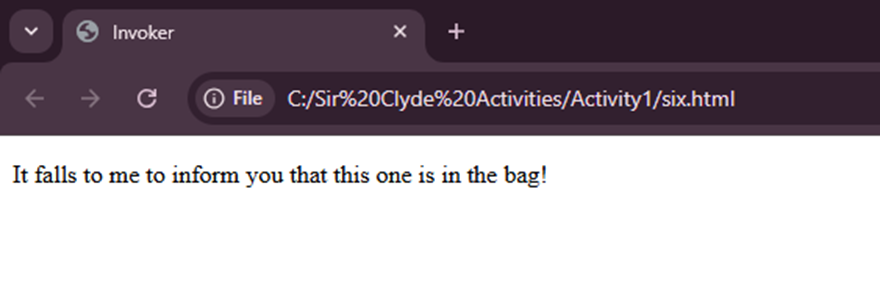
<!DOCTYPE html>
<html>
<head>
<!– Head section included –>
<title>Invoker</title>
</head>
<body>
<!– Displaying any text –>
<p>It falls to me to inform you that this one is in the bag!</p>
</body>
</html>
In creating a webpage, we use HTML (HyperText Markup Language) to display content on the screen. Each webpage starts with basic structure using tags like <html>, <head>, and <body>